
Some of the links in this post are affiliate links, which means I may earn a small commission if you choose to make a purchase — at no extra cost to you. I only share products I believe are useful, well-designed, or genuinely supportive of the system being described here. In other words: the recommendations are intended to serve the setup, not the other way around.
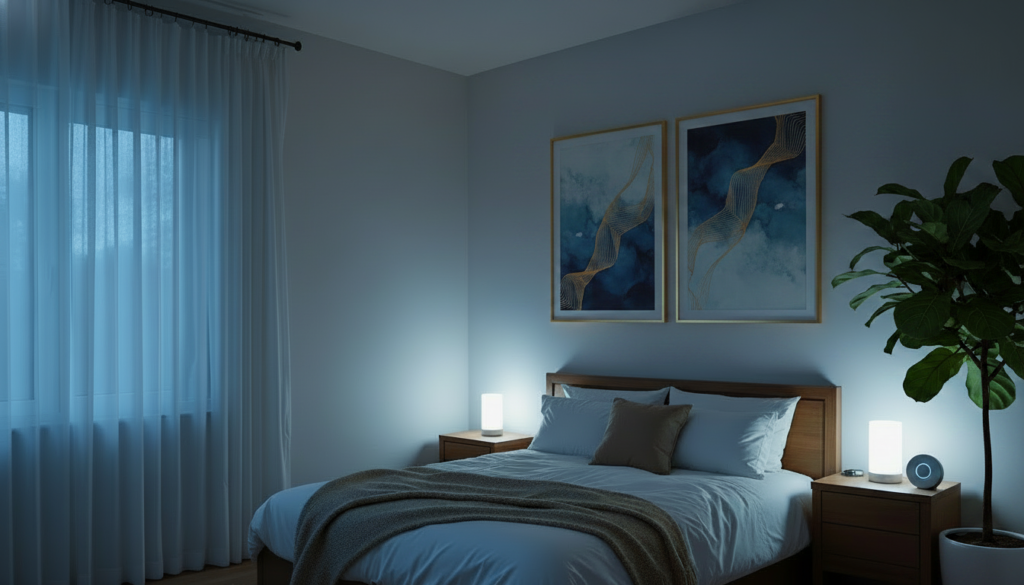
If you’re doing “sleep hygiene” like it’s 1998 — dim lamp, maybe no phone in bed — and still feel like your bedroom isn’t helping you wind down, it may be time to look at the environment, not just the routine.
A Smart Sleep Sanctuary is a bedroom set up to make the transition from day to night easier.
Instead of remembering ten different things every evening, you create a few environmental cues that happen automatically:
- the lights get warmer and dimmer
- the room cools down
- the air gets filtered
- the bed moves into your preferred position
- the bedroom gets quieter and darker
The goal is not to build a futuristic spaceship bedroom. It’s to make bedtime require less effort.
This guide walks through a simple smart sleep sanctuary routine using lighting, temperature, air quality, and adjustable-bed settings so your bedroom starts working with your wind-down routine instead of against it.
Inside the Smart Sleep Sanctuary
- What a Smart Sleep Sanctuary Actually Does
- Make the Bed Work for You
- Use Light to Wind Down
- Cool the Room
- Improve Bedroom Air
- The 60-Minute Night Routine
- Start Small: You Don’t Need Every Gadget
- Smart Sleep Sanctuary Product List
What a Smart Sleep Sanctuary Actually Does
Your bedroom can look like a sleep sanctuary and still behave like a sports bar at closing time.
Bright lights. Warm room. Phone glowing beside your pillow. Random noise coming from somewhere.
Pretty isn’t the same thing as peaceful.
A good sleep setup should start changing the environment before you climb into bed.
Think of it as an environmental routine: instead of relying on willpower every night, you let your bedroom provide some of the cues automatically. If you’re interested in building out the temperature and air side of your home, Smart Comfort Reset goes deeper into those systems.
That means your bedroom should start doing a few things before bed:
- reduce bright, stimulating light
- create a cooler sleeping environment
- improve air circulation and comfort
- make it easier to settle into a restful position
This is the real value of a smart bedroom: the environment does some of the work for you.
1. Start With Comfort: Make the Bed Work for Your Sleep Position
The foundation of a smart sleep sanctuary is, literally, the base your body rests on.
An adjustable bed base lets you change position without stacking eight pillows and hoping for the best.
Why an adjustable base can help
Some people find a slightly elevated position more comfortable for reading, relaxing, or settling in for sleep. Others like light leg elevation or zero-gravity style positioning because it feels more supportive at the end of the day.
It’s not magic. It’s comfort.
Adjustable bed options
- Tami Tami T600 Adjustable Bed Frame — Queen, massage, zero gravity, USB, lights
- Lucid L150 Adjustable Base — Head & foot incline, quiet motor
- Best Choice Products Adjustable Base — Head & foot, wireless remote, memory
An adjustable base is an optional comfort upgrade—not a requirement for creating a smart sleep sanctuary.
A simple bedtime use case
You might use one tap for:
- reading position
- sleep position
- slight head incline
- zero-gravity style relaxation
If you want the bedroom to feel easier to use at night, this is one of the most practical upgrades.
2. Use Light to Tell Your Brain It’s Time to Wind Down
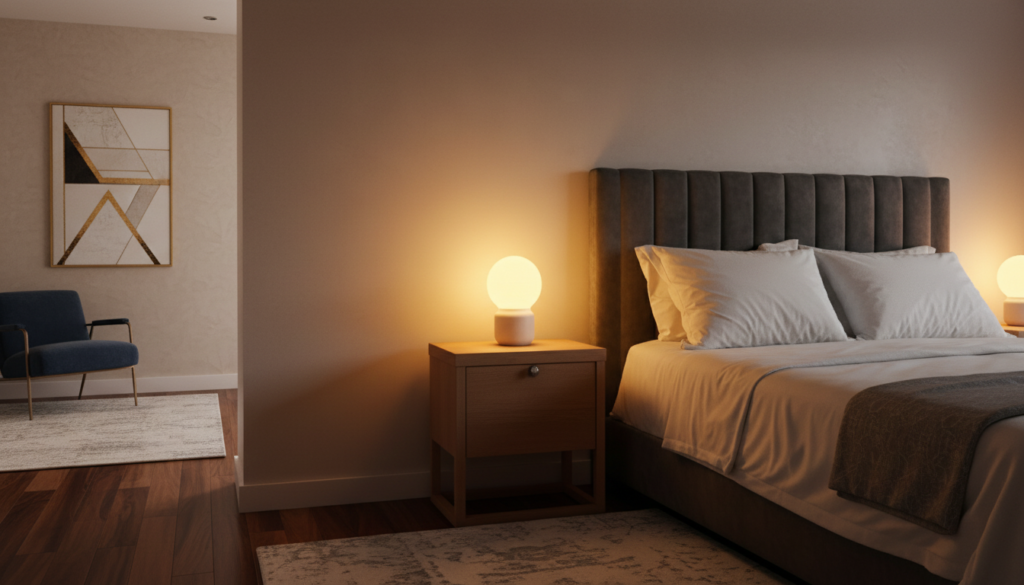
Overhead lights at 9 p.m. can feel a little too enthusiastic.
Warm, dim lighting creates a softer visual transition into the evening.
About an hour before bed, your bedroom should start looking different from the rest of the house. Bright, active light can shift to low, warm light so the room feels quieter without needing to be fully dark yet.
That transition matters.
Smart bulbs for wind-down scenes
Smart bulbs let you create lighting scenes for different parts of the evening.
Product options:
- Philips Hue Essential A19 Smart Bulb — Color + White Ambiance
- LIFX Color Smart Light Bulbs — E26, Matter compatible
Useful lighting scenes
You might create:
- Wind Down — warm white, low brightness
- Reading — slightly brighter, still warm
- Night Light — just enough light to move around without waking up fully
Smart plug for a bedside lamp
A smart plug can turn a regular lamp into part of the system.
Product option:
Use it to:
- turn the bedside lamp on or off with your phone or voice
- schedule the lamp to shut off at a certain time
- create one last “goodnight” command before bed
The goal isn’t dramatic automation. It’s to make the room feel like it’s slowly powering down with you.
3. Let the Room Cool Down Before You Do
A bedroom temperature that’s comfortable for you is one of the simplest ways to make your sleep environment feel more inviting.
A cooler bedroom is generally recommended for sleep, although the ideal temperature is personal.
The point is not to freeze yourself into productivity. The point is to create a sleeping environment that feels calm and comfortable.
Smart thermostat options
Why this helps
Nobody needs another nightly task.
“Remember to lower the thermostat at 9:30” is exactly the kind of tiny responsibility that sounds harmless until you’ve accumulated 47 of them.
Let the thermostat handle it.
You can schedule the room to:
- cool down gradually before bed
- hold a sleep-friendly temperature overnight
- warm slightly before wake-up
If you use a system with room sensors, you can prioritize the bedroom instead of the hallway or living area.
That makes the room feel more intentionally set up for sleep.
4. Don’t Let the Bedroom Air Feel Stuffy
If your bedroom air feels stale, warm, dusty, or heavy, the room can feel less comfortable.
The air in your bedroom is part of the overall sleep environment, but it’s often overlooked because it’s less visible than lighting or bedding.
Air purifier option
An air purifier can help improve the feel of the room, especially if you deal with:
- dust
- pet dander
- everyday indoor pollutants
On low, it can also provide a gentle background sound that some people find calming.
CO₂ monitor option
And no, the CO₂ monitor isn’t going to tuck you in.
It simply tells you something useful: is this room actually getting enough fresh air?
If the bedroom gets stuffy overnight, now you have information instead of guessing.
It shows:
- CO₂ levels
- temperature
- humidity
That can be useful if your room tends to feel stuffy overnight or if you want more information about the air you’re sleeping in.
How to use air in your routine
- turn the purifier on low before bed
- check whether the room feels comfortable and well ventilated
- crack a window or adjust ventilation if needed
This is less about chasing perfection and more about making the room feel livable.
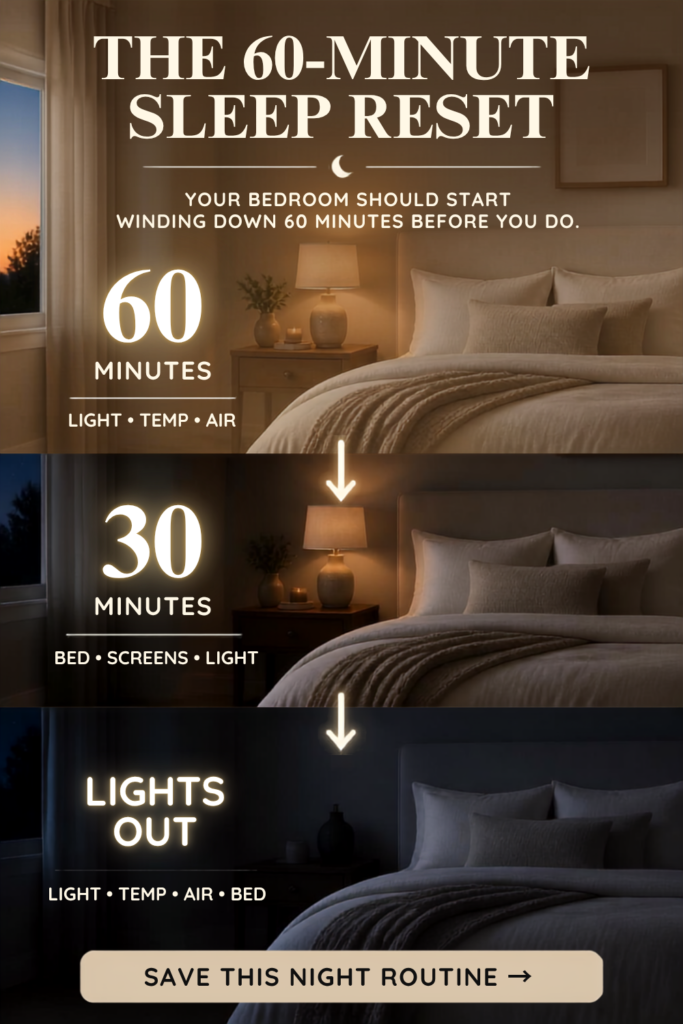
Your 60-Minute Smart Sleep Sanctuary Routine
The individual pieces are useful, but the real benefit comes when they work together.
Here’s what a simple 60-minute wind-down can look like:
About 60 minutes before bed
Light
- shift bulbs to a warm, dim “Wind Down” scene
- turn off overheads
- use the lamp as the main light
Temperature
- begin cooling the room slightly
Air
- switch air purifier on low or auto
- check whether the room feels comfortable and well ventilated
About 30 minutes before bed
Bed
- move the bed into a reading or resting position
Screens
- reduce screen brightness
- start stepping away from your phone if possible
Light
- keep the room low and warm
At lights out
Light
- turn the bedside lamp off
Temperature
- hold the sleep setting overnight
Air
- keep purifier running low if helpful
Bed
- move into your preferred sleep position
At this point, the room should feel:
- dark, but not harsh
- cool, but not freezing
- quiet, but not dead silent
- comfortable enough that your body gets the memo
Save Your 60-Minute Sleep Reset
Keep this simple sequence handy for nights when you want your bedroom to start winding down before you do.
You Do Not Need to Overbuild This
A smart sleep sanctuary does not have to start with every possible gadget.
Start with the easiest changes first.
Start here
- Dim and warm the lights about an hour before bed.
- Schedule your bedroom to cool before bedtime.
- Make sure the room is comfortable and well ventilated.
Add smart products only when they solve a problem you actually have.
Nice to have later
- A CO₂ monitor
- An adjustable bed base
- A smart plug for a bedside lamp
You do not need a fully automated bedroom on day one.
You just need a room that makes bedtime easier.
The bedroom doesn’t have to be the only space that changes gears at night. If you want to carry that same idea into the rest of the house, Soft Home Reset walks through a calmer evening setup for the spaces you move through before bed.
How This Fits Into the Bigger Smart Home System
This isn’t just a bedroom product roundup.
It’s part of a larger Smart Organized Living philosophy:
- Soft Home Reset focuses on reducing friction throughout the evening and making the whole house feel calmer after dark.
- Smart Comfort Reset goes deeper into temperature, air quality, and comfort systems that support a more livable home.
- WFH Smart Home Setup extends the same idea into the daytime, helping your work environment feel more functional and less chaotic.
The point is not to collect gadgets.
The point is to create environments that reduce friction.
Your day and night spaces should help you, not ask more of you.
Final Thought
A better night routine is not always about trying harder.
Sometimes it’s about making your bedroom do more of the work.
If your lights, temperature, air, and bed position are already helping you unwind, bedtime stops feeling like a negotiation.
It becomes a cue.
A soft one.
And that’s the whole point of a smart sleep sanctuary.
Quick Product Links From This Smart Sleep Sanctuary Setup
If you want the product list in one place, here it is — organized by function.
Adjustable Bed Bases
- Tami Tami T600 Adjustable Bed Frame (Massage, Zero Gravity)
- Lucid L150 Adjustable Base (Head & Foot Incline, Wireless Remote)
- Best Choice Products Ergonomic Adjustable Base (Full, Head & Foot, Memory Remote)

Smart Lighting
- Philips Hue Essential A19 Smart Bulb (Color + White Ambiance)
- LIFX Color Smart Light Bulbs E26 (2-Pack, Matter Compatible)
Bedside Lamp Smart Control
Smart Thermostat
- Google Nest Thermostat (Programmable, Energy Star)
- Ecobee Smart Thermostat Premium
- Ecobee Smart Sensors
Bedroom Air & CO₂
The SmartHomeDailyHub Ecosystem
- The Philosophy: Mental Load Reset™
- The Maintenance: Lazy Chaos Control™
- The Rhythms: The Everyday Reset™
Girlfriend Reality Check 💛: If you’re tired of advice that gives you another 17 things to remember, you’re in the right place. Join The Reset for the systems that actually give you your brain back.